





Digital Nomad Visas 2025-2026: New Launches, Rising Costs, and What Changed
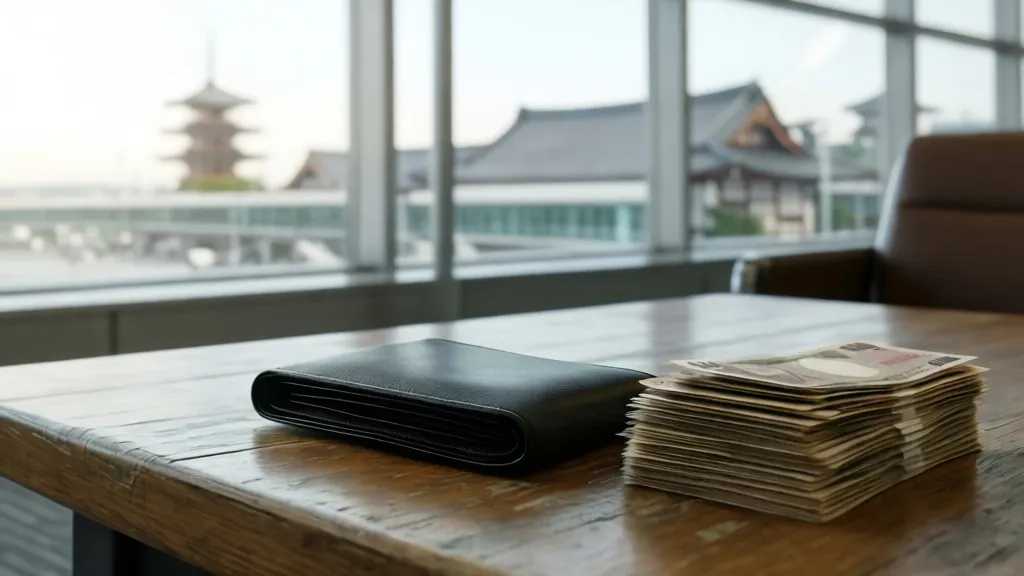
Japan's 6-month visa goes live with $65k income requirement, Sri Lanka and Philippines launch programs, while Spain hikes fees and Albania stays budget-friendly.
Complete guide to VPN configuration for digital nomads. Avoid IP blocks, maintain banking access, and meet client security requirements while working remotely.
Setting up a VPN as a digital nomad isn't just about privacy, it's about maintaining professional access to banking, client systems, and work tools without triggering security flags. The wrong configuration can lock you out of essential services or raise red flags with clients who monitor network activity.
Not all VPN setups work for every situation. Banking institutions, client networks, and streaming services each have different detection methods and security requirements.
Banking and Financial Access: Most banks flag rapid location changes or connections from known VPN IP ranges. VPNs help nomads work safely and securely, but financial institutions often block VPN traffic entirely to prevent fraud.
Client Network Requirements: Many companies require specific IP ranges or geo-locations for security compliance. Your client's firewall might reject connections that don't match their approved regions or show VPN characteristics.
Content and Tool Access: Streaming services, regional software, and location-based tools often block VPN traffic using sophisticated detection methods that go beyond simple IP blocking.
Dedicated IP vs Shared Servers: For banking and client access, dedicated IP addresses reduce the chance of being flagged. Shared VPN servers are more likely to be blacklisted since hundreds of users share the same IP.
Protocol Selection: WireGuard offers better performance but may be easier to detect. OpenVPN with obfuscation can bypass more restrictive networks but runs slower.
Split Tunneling Setup: Configure specific applications to bypass the VPN while keeping others protected. This lets you access local banking while maintaining security for work applications.
Step 1: Map Your Access Needs Planning for future growth saves reconfiguration later. List all services you need: banking apps, client portals, streaming subscriptions, and work tools. Note which ones have geo-restrictions or VPN detection.
Step 2: Set Up Multiple VPN Profiles Create separate configurations for different scenarios:
Step 3: Configure Kill Switch and DNS Settings Ensure "Block non-VPN traffic" is enabled. When your connection drops, this prevents data leaks that could reveal your actual location to monitoring systems.
Step 4: Test Each Configuration Before traveling, verify each profile works with your critical services. Check that banking apps connect, client systems authenticate properly, and streaming services don't show error messages.
Step 5: Set Up Backup Connections Configure secondary VPN servers in case your primary connection gets blocked. Having multiple options prevents work interruptions when systems detect and block your current IP.
Banking Access Without Flags: Use servers in your home country or residence location. Enable split tunneling so banking traffic appears to come from your normal location while other traffic stays protected.
Client Network Compliance: Ask your client about their IP whitelist requirements before traveling. Some companies can add specific VPN server IPs to their approved list, making remote access seamless.
Streaming and Regional Tools: Residential IP VPNs cost more but appear like home internet connections rather than data center IPs. These bypass most streaming blocks and regional restrictions.
Public WiFi Security: Always connect through VPN on public networks, but use obfuscated protocols in restrictive countries where VPN use might be monitored or blocked.
Router-Level Setup: Install VPN firmware on your travel router to protect all devices automatically. This creates a consistent network environment regardless of local internet conditions.
Device-Specific Profiles: Configure different VPN settings on your phone versus laptop. Your phone might need home country access for banking apps while your laptop uses client-required locations.
Automatic Switching: Some VPN clients can switch servers automatically when they detect blocks. This maintains connectivity without manual intervention during work calls or important tasks.
When services stop working, don't immediately assume it's VPN-related. Check if the service itself is down, if your account needs verification, or if new security measures were implemented.
IP Block Solutions: Change to a different server in the same country, switch VPN protocols, or temporarily disconnect the VPN to complete essential transactions before reconnecting.
Client System Problems: Contact IT support rather than trying multiple servers randomly. Explain you're working remotely and need approved connection methods for secure access.
Banking App Fixes: Most banks offer travel notifications that reduce security blocks. Set these up before leaving your home country to prevent automatic account freezes.
Successful VPN setup for nomad work requires planning different configurations for different needs rather than using one-size-fits-all settings. Test all critical services before traveling, maintain backup connection options, and communicate with clients about network requirements. The goal isn't just privacy, it's maintaining reliable access to the tools and services that keep your remote work running smoothly across different locations and network conditions.
Japan's 6-month visa goes live with $65k income requirement, Sri Lanka and Philippines launch programs, while Spain hikes fees and Albania stays budget-friendly.

Step-by-step guide to building a multi-country banking system that minimizes fees and maximizes access to your money as a digital nomad.

Master nomad logistics with strategic belongings rotation, smart shipping decisions, and storage alternatives. Skip the fees, travel light.

Learn proven frameworks to set client boundaries with async communication while maintaining trust and preventing remote work burnout.

Essential contract clauses every digital nomad needs to protect themselves legally when working across multiple jurisdictions without expensive lawyers.

Sri Lanka launches new visa, Philippines delays implementation, and stricter enforcement in Bali, Spain, Greece affects nomad planning in 2026.
Get the best nomad resources, tips, and exclusive deals delivered straight to your inbox. No spam, just valuable content for your nomad journey.
Join fellow nomads. Unsubscribe anytime.