






Japan's Three-Week Nomad Festival Tests Slow Travel in Hiroshima and Setouchi
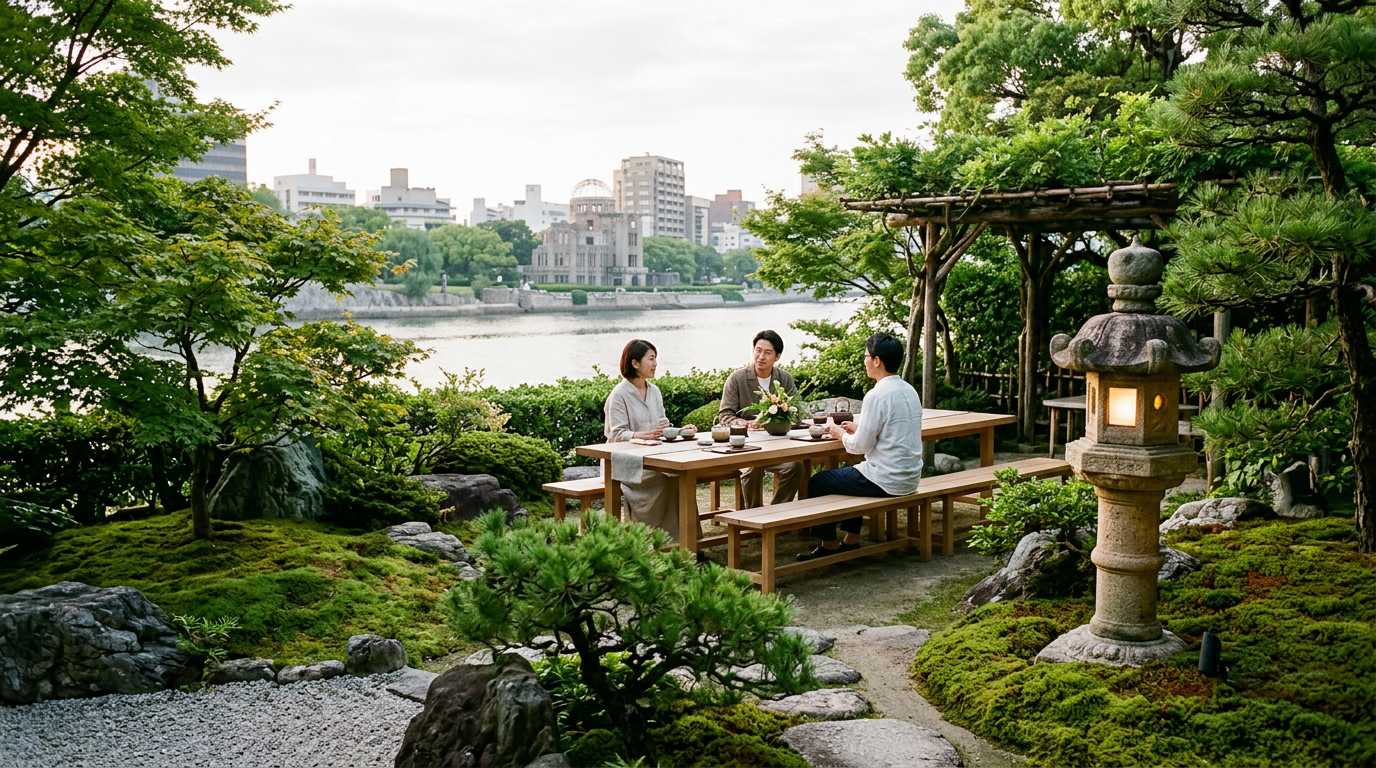
Hiroshima Setouchi Nomad Fest 2026 offers remote workers a unique three-week format across two regions, testing whether slow travel beats quick conferences.
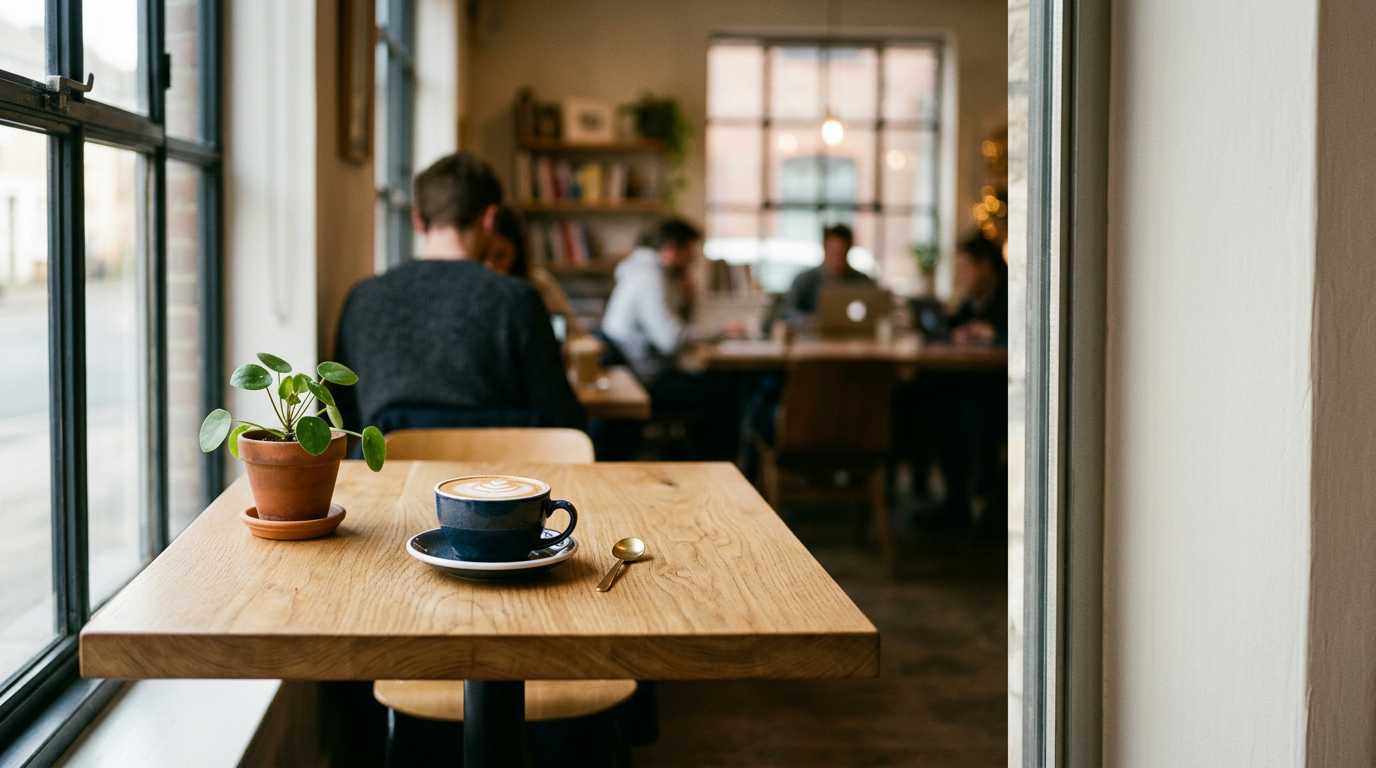
A systematic method to quickly evaluate coffee shops for remote work: test wifi speeds, map power outlets, check noise levels, and avoid tourist traps.
Landing in a new city as a digital nomad means one urgent mission: finding your productive workspace fast. Skip the Instagram-worthy spots that look amazing but kill your productivity. Here's a proven 48-hour system to identify real workspaces from pretty disappointments.
Before settling in anywhere, do a quick reconnaissance. Walk through potential cafes during different times and look for these immediate red flags:
Power outlet scarcity: Count visible outlets from the entrance. If you see fewer than one outlet per three tables, keep walking.
Tourist trap indicators: Menus in multiple languages, souvenir displays, or groups taking photos of their food usually mean high turnover and noise.
Workspace setup: Look for tables that can actually fit a laptop plus a drink. Tiny bistro tables are Instagram gold but productivity killers.
Local vs tourist ratio: Listen to conversations. If you hear more foreign languages than local ones, you're probably in a tourist zone with inflated prices and poor work conditions.
Don't trust the "Free WiFi" sign. Test systematically using your phone's hotspot as backup.
Use multiple speed test apps: Run tests with Speedtest.net, Fast.com, and your browser's built-in test. Different servers give different results.
Test during peak hours: That blazing fast morning connection might crawl at 2 PM when everyone's on lunch break.
Check upload speeds too: Video calls and file uploads need decent upload bandwidth, not just download speeds.
Test from your actual seat: WiFi strength varies dramatically across a space. That corner table might have terrible signal despite good speeds at the counter.
Tools like SpotFinder now crowd-source WiFi speeds and workspace ratings, but always verify yourself since conditions change.
Map power availability before your laptop dies and forces desperate decisions.
Outlet accessibility: Can you actually reach outlets without crawling under tables or unplugging the coffee machine? Many outlets are decorative or poorly placed.
Voltage and plug types: In new countries, bring adapters and check voltage compatibility. Some outlets are 110V, others 220V.
Sharing expectations: In busy cafes, you'll likely share outlets. Look for spots with multiple outlets clustered together.
Extension cord policy: Some cafes allow personal extension cords, others don't. Ask before setting up your mobile office.
Noise levels fluctuate wildly in cafes. A peaceful morning spot can become unusable by afternoon.
Peak hour reconnaissance: Visit during 8-10 AM, 12-2 PM, and 4-6 PM to understand traffic patterns.
Sound source identification: Espresso machines, blenders, and music systems create different types of noise. Some you can work through, others destroy concentration.
Acoustic design matters: Hard surfaces amplify noise. Look for cafes with carpet, curtains, or acoustic panels that dampen sound.
Conversation zones: Identify where locals gather to chat versus where people work quietly. Position yourself accordingly.
Timing is everything in cafe workspace selection. The perfect spot at 10 AM might be unusable at lunch.
Morning rush patterns: Coffee shops near offices fill up 7-9 AM with grab-and-go customers. Great for short sessions, terrible for deep work.
Lunch invasion: Restaurants masquerading as cafes become unusable during meal hours. Check if they serve full meals.
After-work crowds: Evening peaks vary by neighborhood. Business districts empty out while residential areas fill up.
Weekend dynamics: Completely different crowd and noise levels. That weekday workspace might become a family brunch spot.
Day 1 morning: Hit 3-4 potential spots for 30 minutes each. Test WiFi, note power outlets, observe crowd dynamics.
Day 1 afternoon: Return to your top 2 choices during peak hours. This reveals the true working conditions.
Day 1 evening: Check opening hours and evening atmosphere if you're a night worker.
Day 2 morning: Commit to your best option for a 2-3 hour work session. This is your real test.
Day 2 afternoon: Have a backup location tested and ready. Your first choice might be closed, full, or having an off day.
Some problems aren't immediately obvious but will destroy your work flow:
Inconsistent WiFi passwords: If staff don't know the current password or it changes daily, find somewhere else.
Aggressive time limits: "2-hour maximum" signs mean constant pressure and frequent location changes.
No laptop policy: Some cafes actively discourage laptop use during peak hours or entirely.
Single bathroom: Long lines during busy periods interrupt your flow and create awkward laptop-watching situations.
Cash-only policies: In 2024, this usually indicates poor business infrastructure and potentially unreliable services.
Don't rely on just one perfect spot. Build a network of 3-4 reliable options.
Categorize by work type: Deep focus cafe, meeting-friendly spot, casual browsing location, and emergency backup.
Geographic distribution: Spread options across your usual routes to minimize travel time.
Relationship building: Regular customers get better treatment, including prime seating and WiFi troubleshooting help.
Peak hour alternatives: When your favorite spot is packed, you need immediately available backups.
Several tools can speed up your cafe evaluation process:
Foursquare/Yelp filters: Search for "WiFi," "laptop-friendly," and "quiet" tags in reviews.
Google Maps hours: Check real opening hours and busy times graphs.
Nomad-specific apps: WiFi Tribe, Remote Year groups, and local digital nomad Facebook groups share tested recommendations.
Speed test apps: Keep Speedtest, Fast.com, and Meteor on your phone for consistent testing.
Finding productive cafe workspaces is a skill that improves with practice. The 48-hour systematic approach saves weeks of trial and error while building a reliable network of workspace options. Test everything yourself, WiFi speeds, power access, noise levels, and peak hour dynamics. Don't trust pretty photos or tourist recommendations. The best remote work cafes are often the unglamorous local spots that prioritize function over Instagram appeal. Build relationships with 3-4 solid options and you'll have consistent productivity regardless of city crowds or seasonal changes.
Hiroshima Setouchi Nomad Fest 2026 offers remote workers a unique three-week format across two regions, testing whether slow travel beats quick conferences.
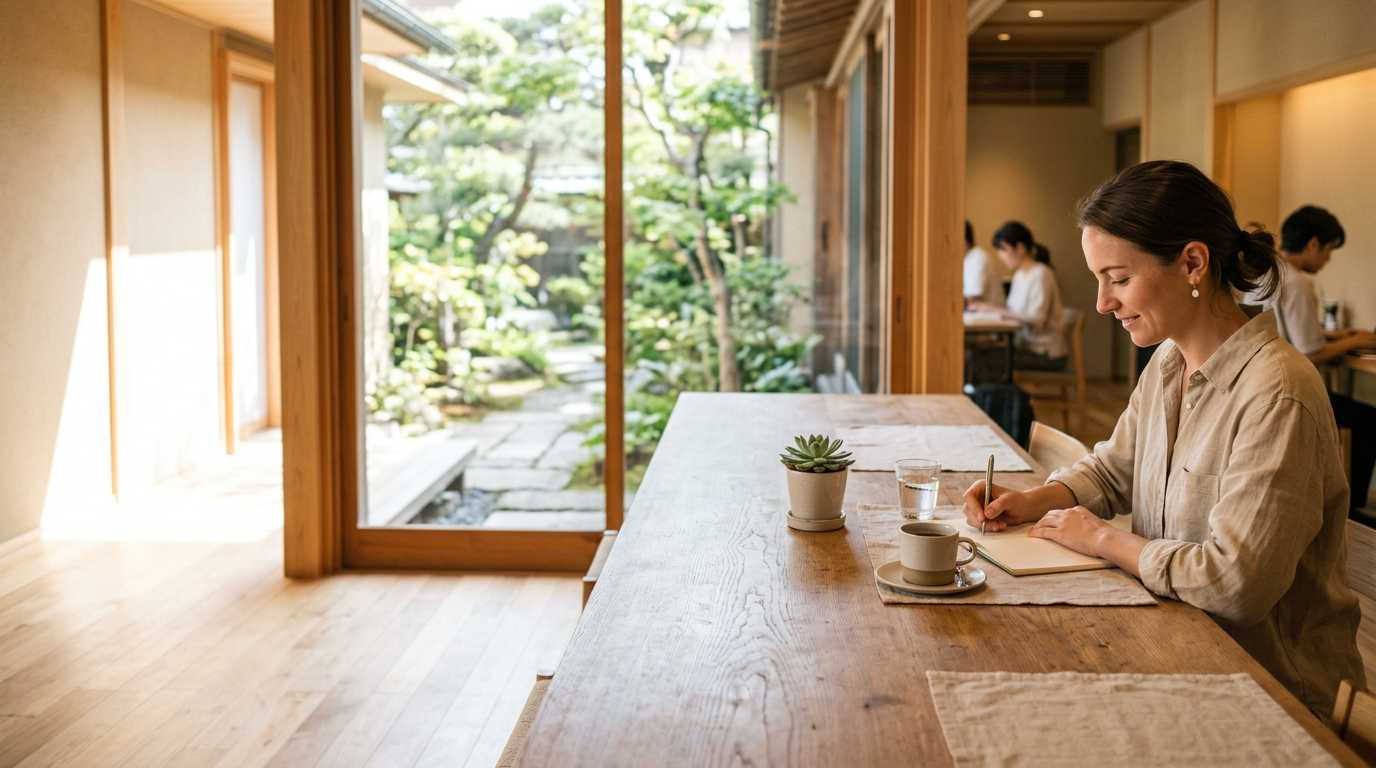
Colive Fukuoka 2026 attracted 334 participants from 44 countries for an 11-day workation program mixing coliving, coworking and regional travel across Japan.

CosmoLocal CNX brings digital nomads together for a month-long coliving experiment in Chiang Mai's Wat Ket district this September 2026.
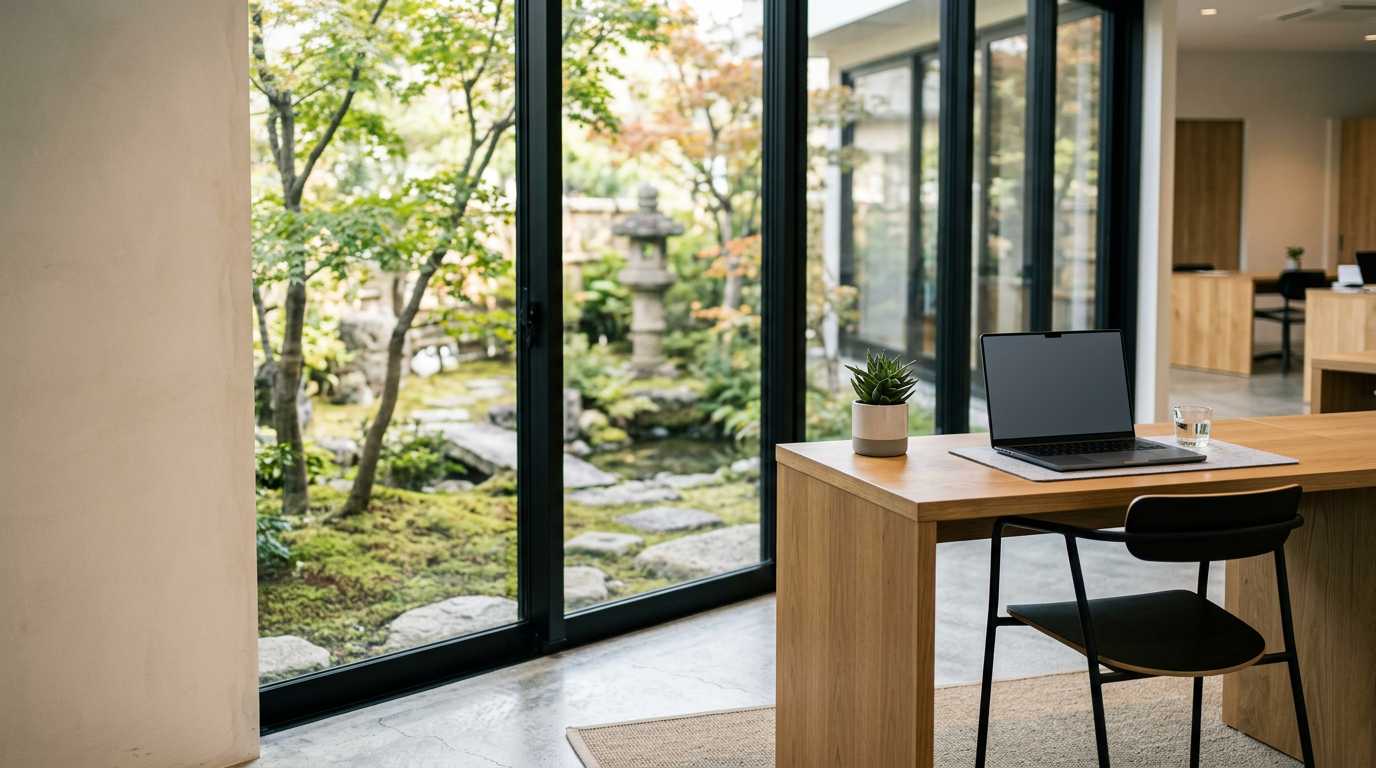
Get free housing, coworking access, and local transport in Japan through Nagasaki's nomad residency program. Applications opened July 1, 2026.

A systematic framework to evaluate coliving workspaces before booking. Test desk ergonomics, internet speed, call policies & community dynamics.
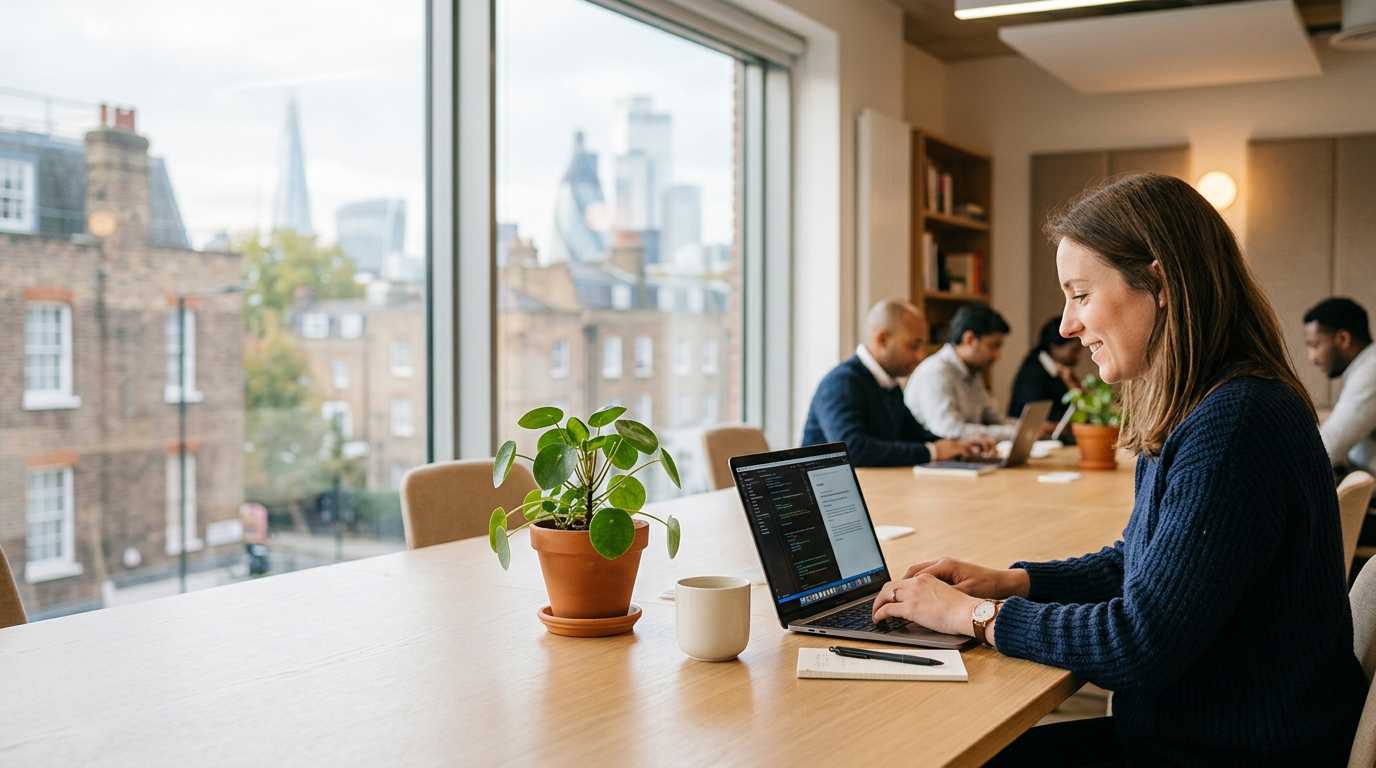
Airbnb tests booking coworking day passes and meeting rooms in London. How this could simplify workspace hunting for digital nomads.
Get the best nomad resources, tips, and exclusive deals delivered straight to your inbox. No spam, just valuable content for your nomad journey.
Join fellow nomads. Unsubscribe anytime.